
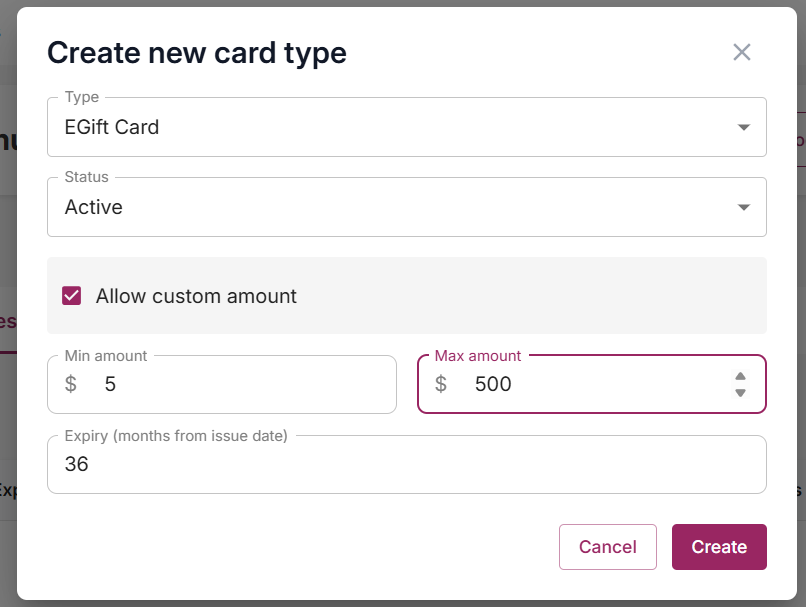
To create a gift card type with a custom amount:
- Go to your Admin page, select your venue
- Go to Gift Cards, select Setup, Gift card types.
- Select Create new card type
- Set the Type = EGift Card
- Set Status = Active.
- Tick Allow custom amount
- Set the Minimum value (must be $5 or above).
- Set the Maximum value.
- Select Create to finish.
Good to know:
- Allow custom amount only applies to EGift Card types. It can't be used on Physical Card types.
- Only one active gift card type can allow custom amounts at a time. If another active type already has this turned on, the checkbox will be greyed out with an explanation until that type is made inactive or has custom amount turned off.
- The minimum amount can't be set below $5
- Min and Max amounts must be whole numbers. Decimals aren't accepted. If either field is left blank, includes decimals, or falls below the $5 floor, you'll see an error and the card type won't save until it's corrected.